
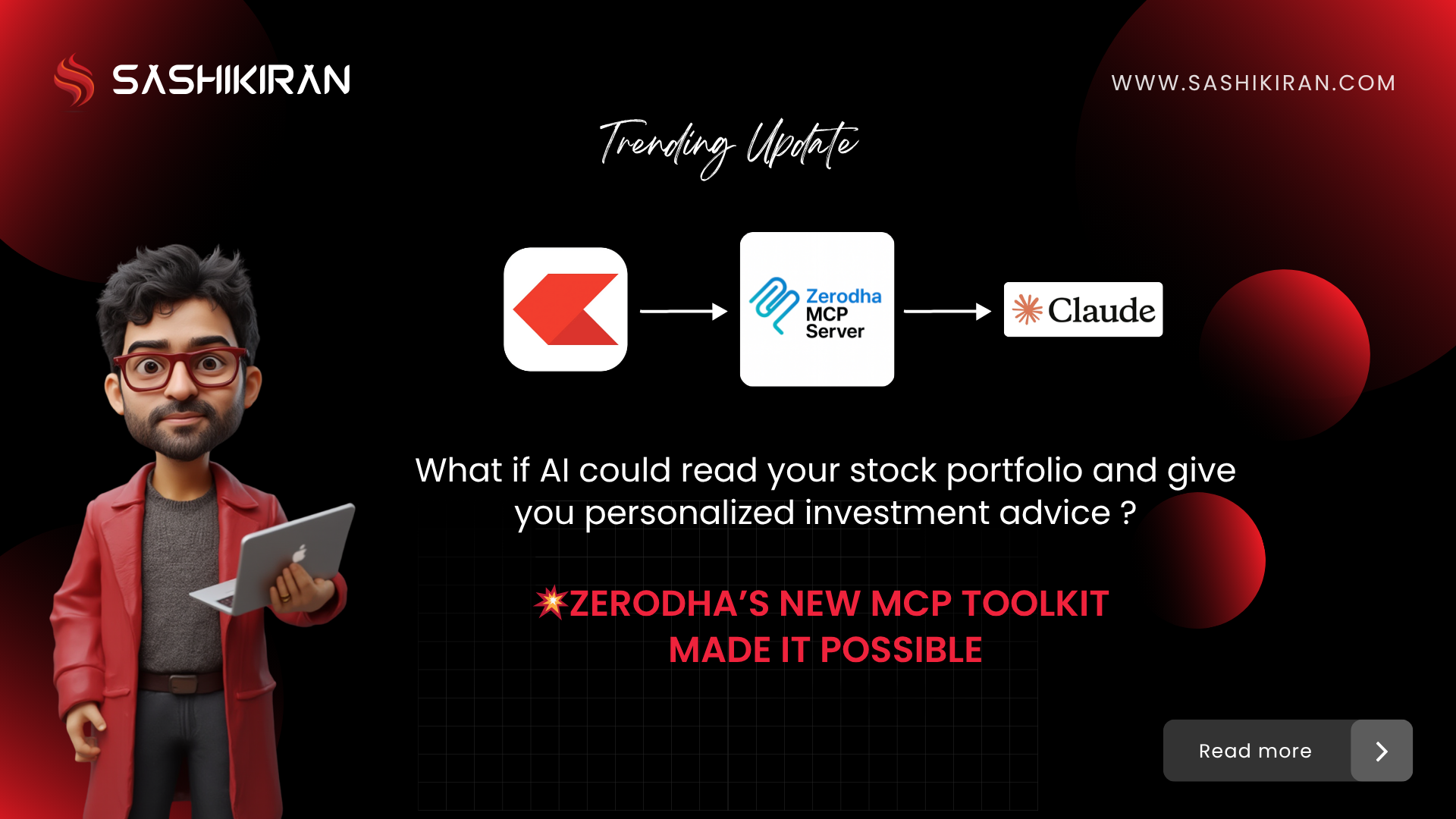
Unlocking Personalized Trading Intelligence with Zerodha’s Kite MCP Toolkit
If you’ve ever wished for an AI assistant that understands your portfolio like a professional advisor — you’re in luck.
Zerodha has launched a groundbreaking open-source tool called the Kite MCP Toolkit. Built using the Model Context Protocol (MCP), it bridges your stock portfolio data directly with AI tools like Claude or ChatGPT, giving you personalized, context-aware investment insights.
Let’s dive into what it is, how to install it, and how to use it effectively.
What is Kite MCP?
MCP (Model Context Protocol) is a framework designed by Zerodha to help AI models interact with structured, real-time user data in this case, your live Kite trading portfolio.
Think of MCP as a secure translator between your investment account and a conversational AI. It enables:
- Real-time data access
- Custom trading logic
- Natural language querying
Instead of asking an AI general investment questions, you can now say:
- “Analyze my portfolio and show sector-wise allocation.”
- “Forecast performance for my holdings in auto and pharma sectors.”
- “Compare my stocks to latest market trends.”
And get accurate, tailored responses — instantly.
How to Install Zerodha’s Kite MCP Toolkit
You don’t need to be a developer to get started. Just follow these steps:
Prerequisites:
- Kite account (Zerodha’s trading platform)
- Claude desktop app (or another AI tool that supports local plugin integration)
- NodeJS installed
🔧 Installation Steps:
- Install NodeJS
- Download from https://nodejs.org and follow the installation instructions for your OS.
- Open Claude Desktop App
- Navigate to
Settings > Developer > Config
- Navigate to
- Add Kite MCP Configuration
- Paste the configuration code provided by Zerodha’s official documentation:
Zerodha MCP GitHub Repo
- Paste the configuration code provided by Zerodha’s official documentation:
- Restart Claude
- You should now see Kite Tools available in the sidebar/menu.
- Authenticate Kite Account
- Use the secure login/auth flow to connect your Zerodha account to Claude.
How to Use Kite MCP: Real-World Examples
Once set up, you can start asking context-rich questions to your AI assistant:
📊 Portfolio Insights
"Analyze my portfolio and generate a pie chart by sector."
"Highlight underperforming stocks in the last 30 days."
🔍 Market Trends Comparison
"Compare my pharma stocks to recent regulatory updates in the drug approval pipeline."
"Analyze my auto sector exposure against electric vehicle adoption trends."
📈 Forecasting with Research
"Use economic data + news to forecast returns for my top 5 holdings."
"Is it a good time to average my loss-making positions?"
The AI fetches live data, processes market intelligence, and overlays it on your unique portfolio — giving you insights that feel handcrafted.
Why This Changes the Game
Most AI tools operate in a vacuum — they can’t see what you own or what your investment goals are. The Kite MCP Toolkit fixes that by:
- Providing contextual intelligence to AI models
- Making portfolio data actionable in natural language
- Saving time by replacing tool-switching and spreadsheet overload
You no longer have to ask: “What should I invest in?”
Now, you can ask: “What’s the next move for my real portfolio?”
Security First
Zerodha ensures this connection is secure. Your authentication is token-based, and data access remains local. The toolkit is open-source and can be audited by developers.
Final Thoughts & Download
Zerodha’s Kite MCP Toolkit is a bold step toward AI-assisted investing not just for institutions, but for everyday traders.
If you want to:
- Explore investment strategies
- Understand portfolio performance
- Make better, data-backed decisions…
…then MCP is your AI-powered edge.
🔗 Download & Explore: https://github.com/zerodhatech/mcp
✨ For more AI + UXD, strategy tips, follow Sashikiran on LinkedIn or join my WhatsApp Channel.
📘 Also, explore my book: 7S Design Framework – a strategic guide for building smarter digital experiences.